
This page gets you into Traffic Chart when verification or login stalls.
Use it when the verification mail is missing, a link expired, or Log in fails. Signup labels and the login card: Set up your account and find help. First-run screens after submit: First login and account onboarding. Profile photo, 2FA setup, and passkeys live in Manage your account.
Verification email never arrives
Until the address is verified, parts of the app stay behind that step. The verify page title is Verify your email address. Eyebrow: One more step. Body: We sent you an email. Open your inbox and click the verification link to continue. Hint: Didn't receive it? Check spam or request a new email below.
- Wait a few minutes. Check spam and junk.
- On the verify screen, click Send verification email again. Success: We have sent a new verification email. In Settings, unverified email shows Your email address is unverified. Then Click here to re-send the verification email. After you click: A new verification link has been sent to your email address.
- Confirm the address you typed at Register (Work email). Change email address on the verify screen opens the profile so you can fix a typo.
- Corporate filters sometimes block first-time senders. Try a personal inbox, or ask IT to allow traffic-chart.com.
Some accounts are created for you (invite or onboarding). Finish Create your password (Save password) before you expect Log in to work. Onboarding Check your inbox also says to look in spam.
Sign out on the verify screen returns you to login without confirming.
Expired link
Verification and password-reset links expire. The verify page heading is This link has expired (eyebrow Verification link, title Verification link expired). Body: Verification links are valid for seven days. Enter your email address and we will send you a new link if your account still needs verification or password setup. Click Send a new verification email. Success (guarded): If this email address still needs verification or password setup, we have sent a new email. Back to login returns to Welcome back.
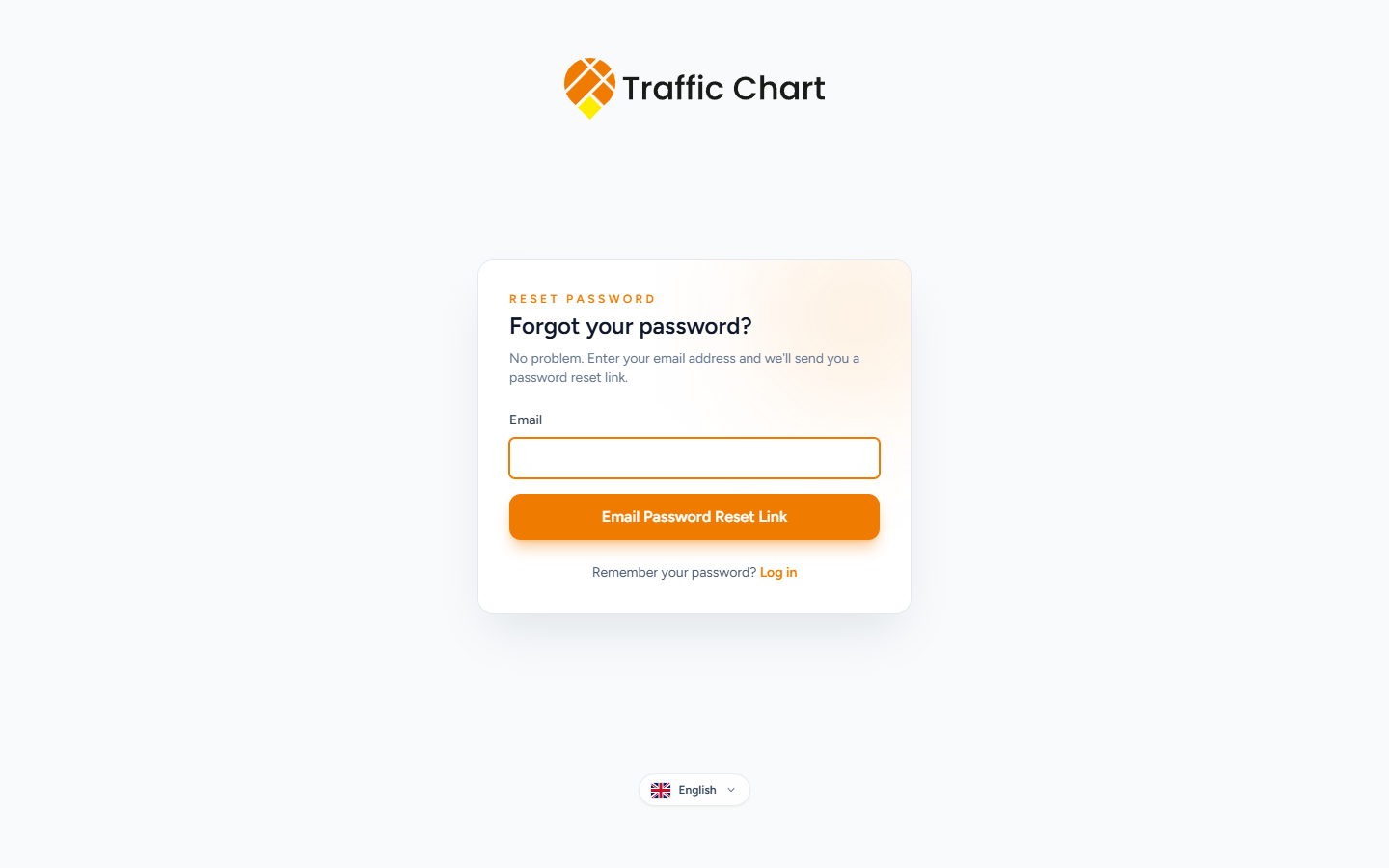
Forgot your password? On Log in, use Forgot your password? The reset heading is the same. Description: No problem. Enter your email address and we'll send you a password reset link. Submit Email Password Reset Link. Then Reset Password with Confirm Password. Remember your password? Log in.
An account already exists
Onboarding heading: An account already exists. Body: This email address already has an account. Sign in to continue or reset your password if needed. Buttons: Go to login, Reset password. Do not register again with the same Work email.
Cannot log in
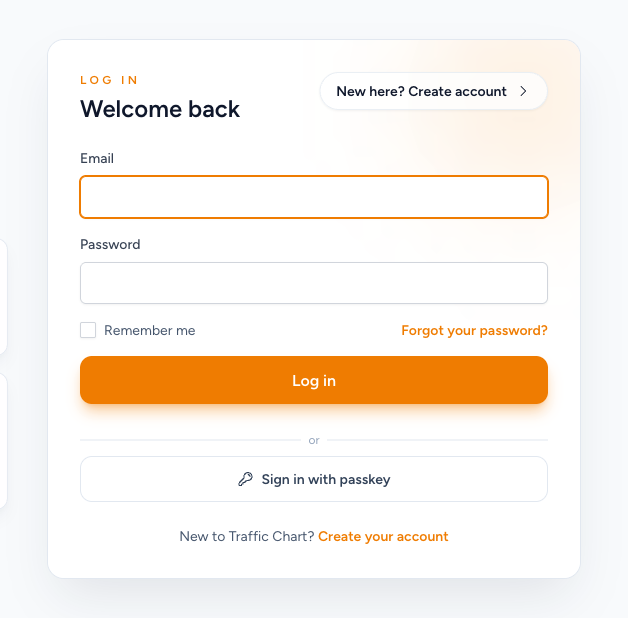
The login heading is Welcome back. Eyebrow: Log in. Fields: Email, Password, Remember me, Log in.
- Caps Lock and password-manager typos. The app may say These credentials do not match our records.
- Too many tries: Too many login attempts. Please try again in 60 seconds. Wait for the number the app prints.
- Complete any invite or Create your password email first.
- Organization invite: sign in with the invited email, then Accept invitation. Mismatch heading: Use the invited account. Accepting does not switch workspace — open Switch workspace afterwards. I cannot accept an organization invitation.
- If two-factor authentication is on, the page is Two-factor Confirmation. Enter the current authenticator code. Use a recovery code switches to Recovery Code. Use an authentication code switches back. Then Log in. Check the phone clock.
- Passkey users: Sign in with passkey under or. Fail: Could not sign in with passkey. Please try again or use your password. Then use Password (and 2FA).
- Try a private window to rule out extensions.
Onboarding timeout: Still working on it. Body: Account creation is taking longer than expected. You can retry, sign in if the account already exists, or register manually. Buttons: Try again, Go to login, Create account.
What good looks like
You land on Home (Welcome back, your name) after Log in. Email in Settings is verified. You can open Plans.
If it still fails
Email customer@traffic-chart.com from the address on the account. Do not create a second account for the same person if the first might already exist. Contact support.