
Payment status is the return page after you pay for a traffic plan in Stripe. It is not the paywall dialog on the map. That dialog is Pay or spend a credit.
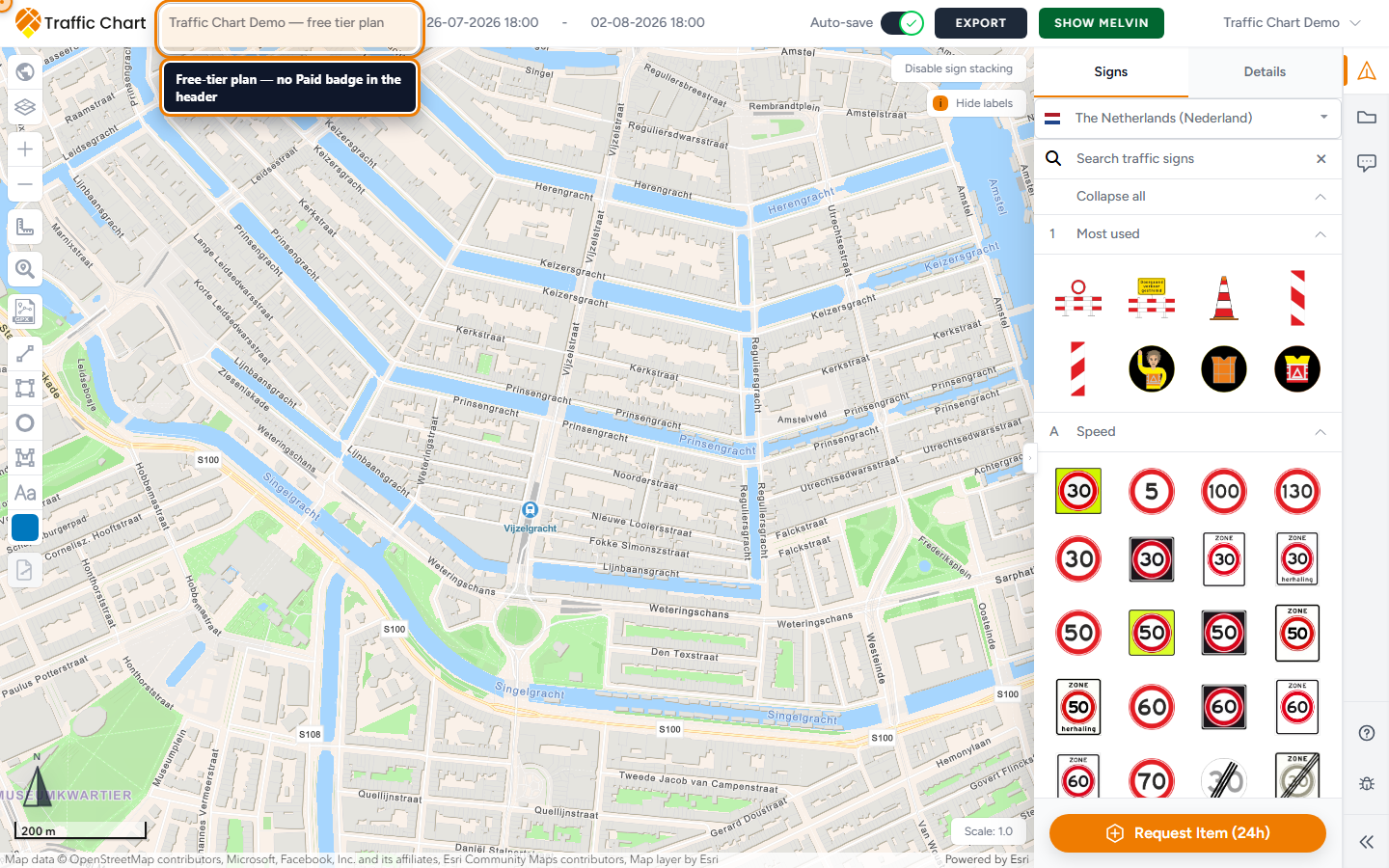
Use this when the browser left Demo traffic plan, you confirmed in Stripe, and you landed on a centred card titled Payment status. Skip it if you clicked Spend credit and never left the editor. Skip it for event plans — they are not billed.
Stay in one browser tab. Never start a second payment while this page is still on Confirming your payment. The price is always the price shown in the app. This page does not list an amount.
When you see this page
You placed a sign past the free cap on an unpaid traffic plan, completed Checkout / Pay now, and Stripe sent you back.
The page title is Payment status. Read the heading, then the one button. Do not click Back hoping to “cancel” a charge that already succeeded.
Work as the same account that paid, in the same workspace. Unlock lands on that plan. It does not unlock every plan. It does not move a Personal payment onto Acme Events.
Duplicating a paid plan starts a new unpaid plan. The Paid badge, when you see it, is Demo traffic plan only.
Every outcome
Confirming your payment
Body: Your payment succeeded. We are now adding the credit and unlocking your traffic plan.
A spinner. This is the normal first screen. There is no button here. Keep the tab open. Do not start checkout again. Do not close the window.
When verification finishes, the card changes by itself. A toast can read Payment verified.
Payment successful
Body: Your payment was confirmed and your traffic plan is ready.
Button: Open traffic plan. That returns you to Demo traffic plan. Place signs past the free cap on that plan.
On personal and older flows you should also see Paid on that plan in Plans / Home. Organization funding from the workspace pool may skip the badge. Placement is the test, not the badge.
Payment received, confirmation pending
Body: Your payment is safe. Confirmation may take a moment; you do not need to pay again.
Button: Check again. Wait, then click it. Bank transfers and some methods confirm later than a card.
Do not open a second tab to pay “just in case”. That is how double charges start.
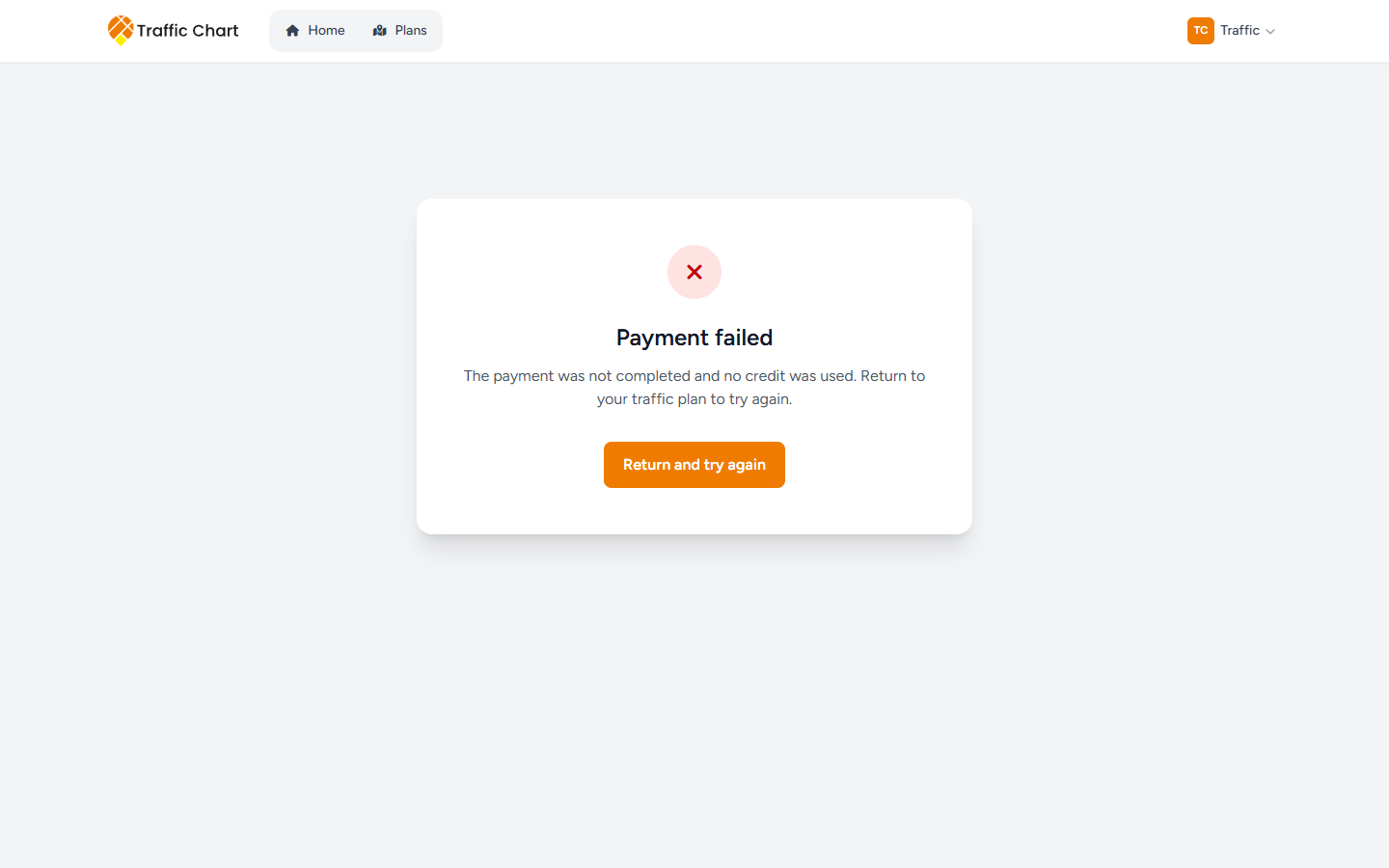
Payment failed
Body: The payment was not completed and no credit was used. Return to your traffic plan to try again.
The button is either Return and try again (back to Demo traffic plan) or Open dashboard (back to Plans), depending on how the attempt ended.
No credit was taken. You may retry from the plan, once. If Stripe returned you without a payment reference, you also land here. That first attempt did not complete.
A toast Could not verify payment means the check failed. Read the card. Do not assume the money is gone.
Payment needs attention — plan gone
Title: Payment needs attention.
Body: This traffic plan is no longer available. Any purchased credit remains on your account.
Button: Open dashboard. Check Settings → Credits (personal) or organization Billing (workspace pool). The credit should still be there even if Demo traffic plan was deleted or you lost access.
Do not buy another credit “to replace” it until you have checked. If the credit is missing, Contact support before paying again.
Payment needs attention — credit not applied
Title: Payment needs attention.
Body: The payment was confirmed, but the credit could not be applied automatically. Please contact support before paying again.
Button: Email support. That opens mail to customer@traffic-chart.com. Write before a second payment. Include account email, plan link or UUID, time with timezone, and the Stripe receipt or last four digits.
Payment needs attention — could not complete automatically
Title: Payment needs attention.
Body: We could not complete this payment automatically. Please contact support before trying to pay again.
Button: Email support. Same rule: do not retry checkout while you wait.
Buttons at a glance
| Button | When it appears |
|---|---|
| Open traffic plan | Payment successful |
| Check again | Payment received, confirmation pending |
| Return and try again | Payment failed, back to the plan |
| Open dashboard | Payment failed (other path), or plan no longer available |
| Email support | Credit could not be applied, or payment needs support |
Toast after a good verification: Payment verified.
Rules of the road
Work in one tab. If Confirming your payment is still spinning, that tab is the payment. A second Pay now is a second attempt.
Event plans never use this page. There is no event-plan checkout.
Paid is unlimited signs on Demo traffic plan (the plan you paid for). It is not Pro tools. Bulk signs, Displace sign stack, XL, Materials Excel, and PDF preview stay gated when your account cannot use them.
It does not replace municipal review. In-app Approved is still not a legal permit.
If the card says success but the editor still blocks the sixth sign: Payment succeeded but plan not unlocked. Do not pay again.
Sign-limit rules: Billing, free use, and credits. The dialog that started checkout: Pay or spend a credit.
Worked example (Utrecht, Demo traffic plan)
You are on Personal. The sixth sign on Demo traffic plan opened the paywall. You filled billing country and Billing postal / ZIP code, clicked Pay now, and completed Stripe.
- You return to Payment status.
- First heading: Confirming your payment. You wait. There is no Check again on this spinner.
- Heading becomes Payment successful. Toast Payment verified.
- Open traffic plan. The sixth sign stays. Paid is on this plan only.
- You duplicate the plan later. The copy is unpaid. That is expected.
If step 3 had been Payment received, confirmation pending, you would have clicked Check again and still not paid a second time.
What good looks like
Payment successful, then Open traffic plan. You can place signs past the free cap on that traffic plan. Other unpaid plans keep their own limits. You used one tab. You did not start a second checkout.
If something blocks you
| Situation | What to try |
|---|---|
| Spinner never ends | Keep the tab open. Then Payment succeeded but plan not unlocked |
| Payment successful, editor still limited | Same article. Hard-refresh the plan. Do not pay again |
| Payment failed | Return and try again once, from the plan |
| Payment needs attention | Email support before a second payment |
| You are in a second tab already | Close it. Do not click Pay now there |
| Organization member cannot buy credits | Expected. Ask an Owner. This return page cannot fix that |
| Event plan | There is nothing to pay. Event plans handbook |
Email customer@traffic-chart.com with account email, plan URL, payment time (timezone), and Stripe receipt. Contact support.